<?xml version="1.0" encoding="UTF-8"?>
<?xml-stylesheet type="text/xsl" href="/assets/atom.xsl"?>
<feed xmlns="http://www.w3.org/2005/Atom">
  <id>https://blog.liang.one</id>
  <title>喜之梁</title>
  <updated>2026-10-05T07:41:18.154+00:00[UTC]</updated>
  <description>Liang 的个人博客，分享技术文章、生活点滴和兴趣爱好。欢迎来到我的博客，和我一起探索IT世界！</description>
  <author>
    <name>Liang</name>
    <email>liang_one@qq.com</email>
    <uri>https://blog.liang.one</uri>
  </author>
  <link href="https://blog.liang.one/atom.xml" rel="self"></link>
  <link href="https://blog.liang.one" rel="alternate"></link>
  <language>zh-CN</language>
  <generator uri="https://github.com/lmb666666/Sonder" version="1.0.0">Sonder</generator>
  <icon>https://bu.dusays.com/2026/07/12/6a532cc8ab04a.webp</icon>
  <logo>https://bu.dusays.com/2026/07/12/6a532cc8ab04a.webp</logo>
  <rights>© 2026 Liang</rights>
  <subtitle>一位数码科技爱好者</subtitle>
  <entry>
    <id>https://blog.liang.one/posts/5eca252</id>
    <title>本地部署MiniMax H3和MiniMax Music 3：零成本生成视频与音乐！</title>
    <updated>2026-08-29T06:29:24Z</updated>
    <author>
      <name>Liang</name>
    </author>
    <content type="html">
      <![CDATA[<img src="https://bu.dusays.com/2026/08/29/6a9299c0be2ef.webp" alt="本地部署MiniMax H3和MiniMax Music 3：零成本生成视频与音乐！" /> <p>在本地电脑上部署开源的 MiniMax H3 与 Music 3：从安装 ComfyUI、下载模型文件，到 LoRA 加速和 FlashVSR 放大，零成本产出视频与音乐的折腾记录。</p> <a class="view-full" href="https://blog.liang.one/posts/5eca252" target="_blank">点击查看全文</a>]]>
    </content>
    <link href="https://blog.liang.one/posts/5eca252"></link>
    <summary>在本地电脑上部署开源的 MiniMax H3 与 Music 3：从安装 ComfyUI、下载模型文件，到 LoRA 加速和 FlashVSR 放大，零成本产出视频与音乐的折腾记录。</summary>
    <category term="笔记"></category>
    <published>2026-08-29T06:29:24Z</published>
  </entry>
  <entry>
    <id>https://blog.liang.one/posts/4632706</id>
    <title>不只是图床！使用 Telegraph-Image 搭建免费无限存储</title>
    <updated>2026-08-27T09:22:35Z</updated>
    <author>
      <name>Liang</name>
    </author>
    <content type="html">
      <![CDATA[<img src="https://bu.dusays.com/2026/08/28/6a90f0e032a68.webp" alt="不只是图床！使用 Telegraph-Image 搭建免费无限存储" /> <p>使用 Cloudflare Pages 免费部署 Telegraph-Image，把图片与音视频上传至 Telegram 获取直链，实现免费无限存储；涵盖 Bot/频道准备、环境变量配置、域名优选与后台管理全流程。</p> <a class="view-full" href="https://blog.liang.one/posts/4632706" target="_blank">点击查看全文</a>]]>
    </content>
    <link href="https://blog.liang.one/posts/4632706"></link>
    <summary>使用 Cloudflare Pages 免费部署 Telegraph-Image，把图片与音视频上传至 Telegram 获取直链，实现免费无限存储；涵盖 Bot/频道准备、环境变量配置、域名优选与后台管理全流程。</summary>
    <category term="笔记"></category>
    <published>2026-08-27T09:22:35Z</published>
  </entry>
  <entry>
    <id>https://blog.liang.one/posts/dde5ac1</id>
    <title>R3S旁路由网络环境配置：使用OpenClahs轻松解决DNS泄露</title>
    <updated>2026-08-01T13:52:09Z</updated>
    <author>
      <name>Liang</name>
    </author>
    <content type="html">
      <![CDATA[<img src="https://bu.dusays.com/2026/07/28/6a6883f7a2bc8.png" alt="R3S旁路由网络环境配置：使用OpenClahs轻松解决DNS泄露" /> <p>基于 NanoPi R3S 的旁路由搭建笔记：从 RKDevTool 烧录 ImmortalWrt、调整为旁路由网关，到 OpenClash 的内核/GEO 数据库/DNS over HTTPS 配置与订阅导入，并附 DNS 泄漏自测与使用体验。</p> <a class="view-full" href="https://blog.liang.one/posts/dde5ac1" target="_blank">点击查看全文</a>]]>
    </content>
    <link href="https://blog.liang.one/posts/dde5ac1"></link>
    <summary>基于 NanoPi R3S 的旁路由搭建笔记：从 RKDevTool 烧录 ImmortalWrt、调整为旁路由网关，到 OpenClash 的内核/GEO 数据库/DNS over HTTPS 配置与订阅导入，并附 DNS 泄漏自测与使用体验。</summary>
    <category term="笔记"></category>
    <published>2026-08-01T13:52:09Z</published>
  </entry>
  <entry>
    <id>https://blog.liang.one/posts/0d5f9c3</id>
    <title>使用 Git 管理项目代码：基础入门与多远程仓库工作流</title>
    <updated>2026-02-18T14:48:30Z</updated>
    <author>
      <name>Liang</name>
    </author>
    <content type="html">
      <![CDATA[<img src="https://bu.dusays.com/2026/02/18/699585a55c910.webp" alt="使用 Git 管理项目代码：基础入门与多远程仓库工作流" /> <p>从零掌握 Git 版本管理，涵盖用户配置、提交、分支与远程操作，并分享私有仓库 + 上游仓库多 remote 的协同工作流与提 PR 的方法。</p> <a class="view-full" href="https://blog.liang.one/posts/0d5f9c3" target="_blank">点击查看全文</a>]]>
    </content>
    <link href="https://blog.liang.one/posts/0d5f9c3"></link>
    <summary>从零掌握 Git 版本管理，涵盖用户配置、提交、分支与远程操作，并分享私有仓库 + 上游仓库多 remote 的协同工作流与提 PR 的方法。</summary>
    <category term="笔记"></category>
    <published>2026-02-18T14:48:30Z</published>
  </entry>
  <entry>
    <id>https://blog.liang.one/posts/6b4e8a1</id>
    <title>近期小记（1）</title>
    <updated>2025-11-22T13:36:25Z</updated>
    <author>
      <name>Liang</name>
    </author>
    <content type="html">
      <![CDATA[<img src="https://bu.dusays.com/2026/02/10/698b00924889c.webp" alt="近期小记（1）" /> <p>记录高中生活的近期见闻：学校研学、Cloudflare 大规模故障、身体小状况，以及博客部署工作流的全面升级与 giffgaff 手机卡开箱。</p> <a class="view-full" href="https://blog.liang.one/posts/6b4e8a1" target="_blank">点击查看全文</a>]]>
    </content>
    <link href="https://blog.liang.one/posts/6b4e8a1"></link>
    <summary>记录高中生活的近期见闻：学校研学、Cloudflare 大规模故障、身体小状况，以及博客部署工作流的全面升级与 giffgaff 手机卡开箱。</summary>
    <category term="生活"></category>
    <published>2025-11-22T13:36:25Z</published>
  </entry>
  <entry>
    <id>https://blog.liang.one/posts/3f7d2b8</id>
    <title>修复 Twikoo 无法自动获取 QQ 昵称的问题</title>
    <updated>2025-10-06T12:57:09Z</updated>
    <author>
      <name>Liang</name>
    </author>
    <content type="html">
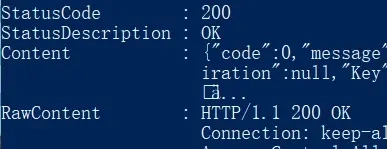
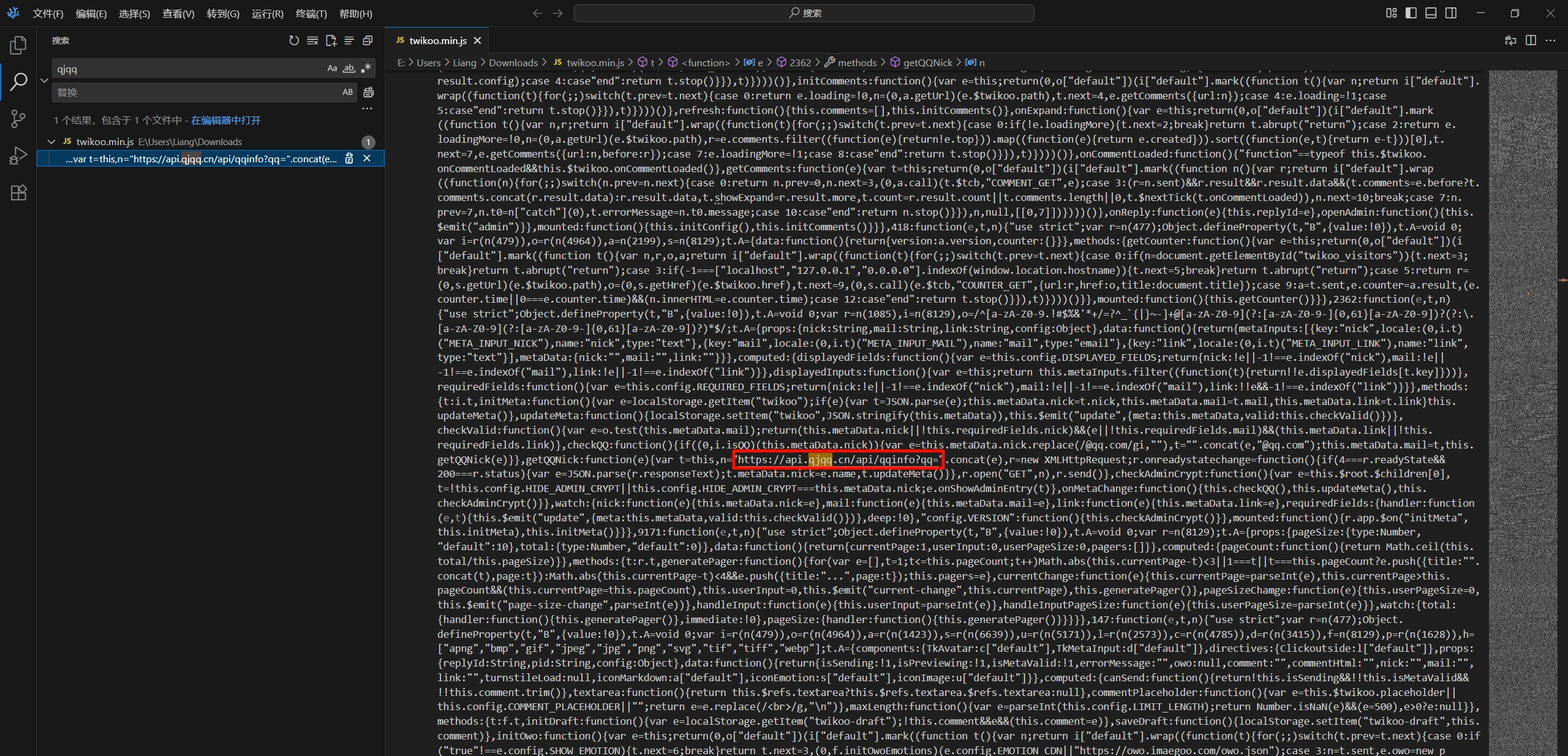
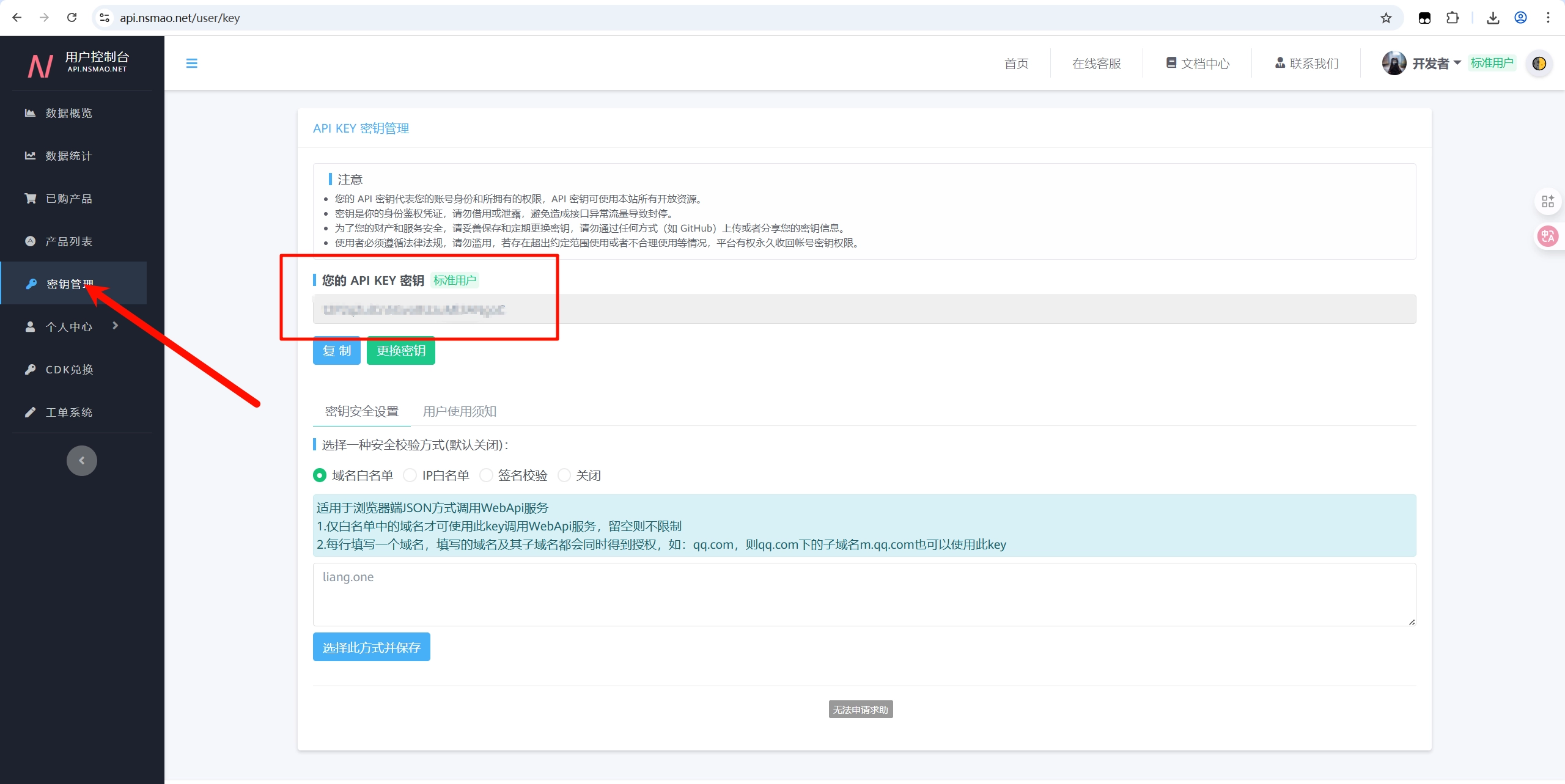
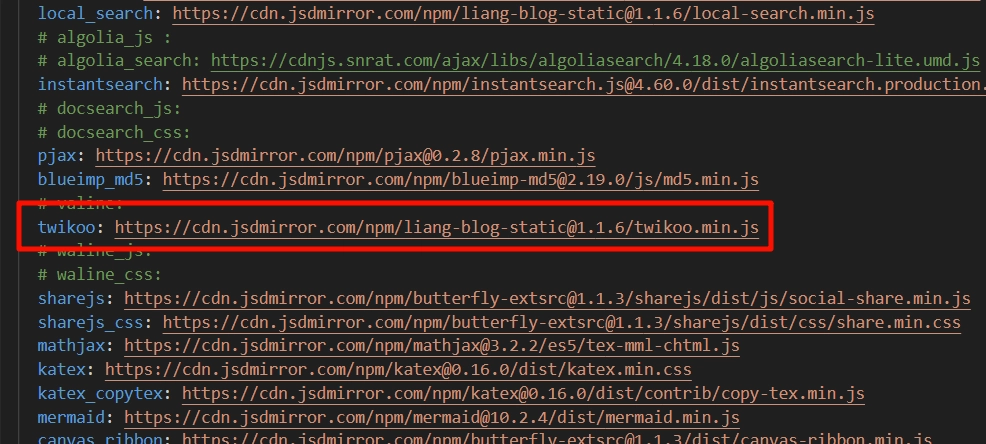
      <![CDATA[<img src="https://bu.dusays.com/2026/02/10/698b00ad4fab1.webp" alt="修复 Twikoo 无法自动获取 QQ 昵称的问题" /> <p>Twikoo 评论系统输入 QQ 号无法自动获取昵称？本文将失效的 api.qjqq.cn 替换为 Nice猫 API 并调整响应字段，一步步修复该问题。</p> <a class="view-full" href="https://blog.liang.one/posts/3f7d2b8" target="_blank">点击查看全文</a>]]>
    </content>
    <link href="https://blog.liang.one/posts/3f7d2b8"></link>
    <summary>Twikoo 评论系统输入 QQ 号无法自动获取昵称？本文将失效的 api.qjqq.cn 替换为 Nice猫 API 并调整响应字段，一步步修复该问题。</summary>
    <category term="笔记"></category>
    <published>2025-10-06T12:57:09Z</published>
  </entry>
  <entry>
    <id>https://blog.liang.one/posts/8c1a5e3</id>
    <title>N1 盒子刷入 CasaOS，秒变家庭 NAS</title>
    <updated>2025-10-04T11:28:44Z</updated>
    <author>
      <name>Liang</name>
    </author>
    <content type="html">
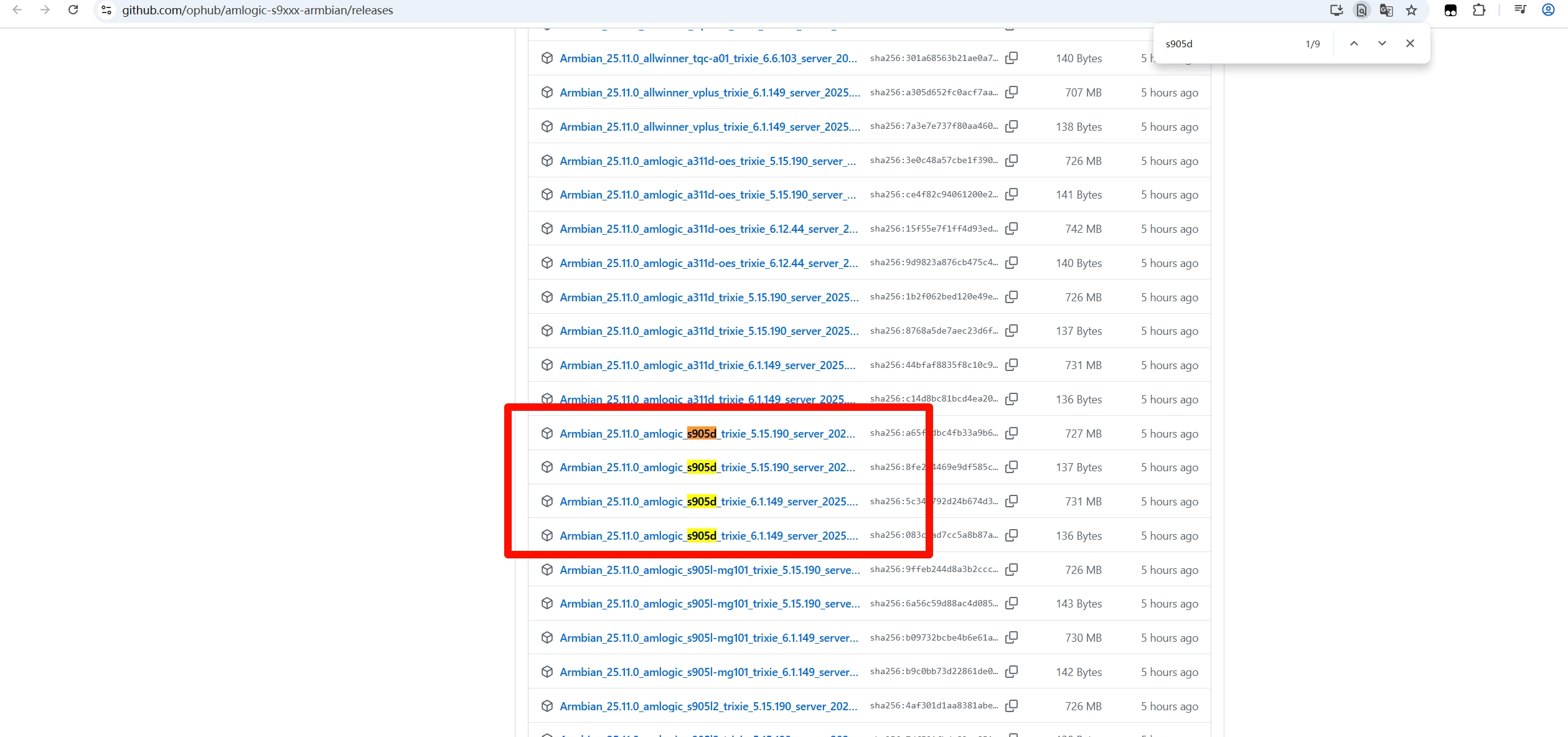
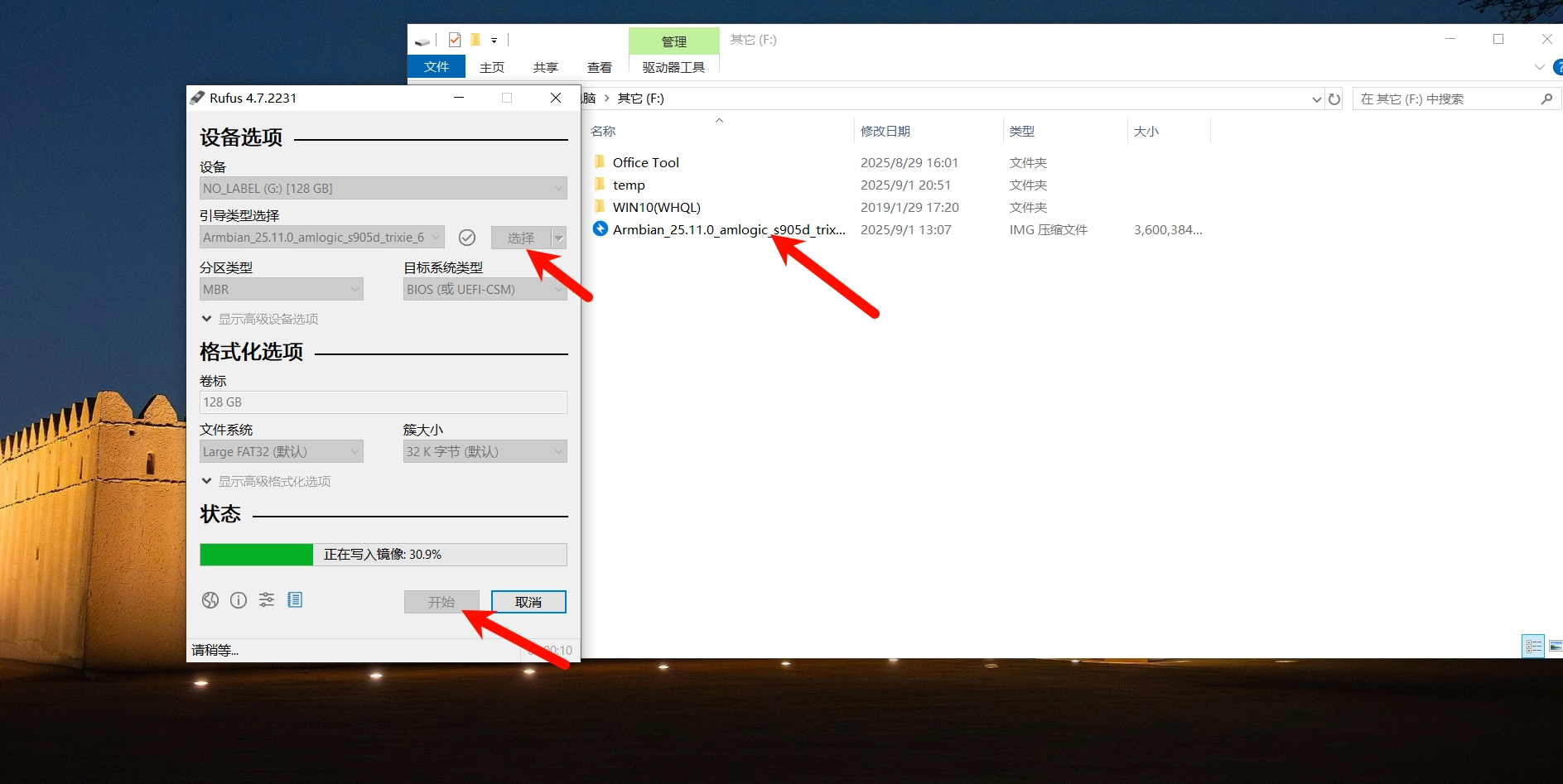
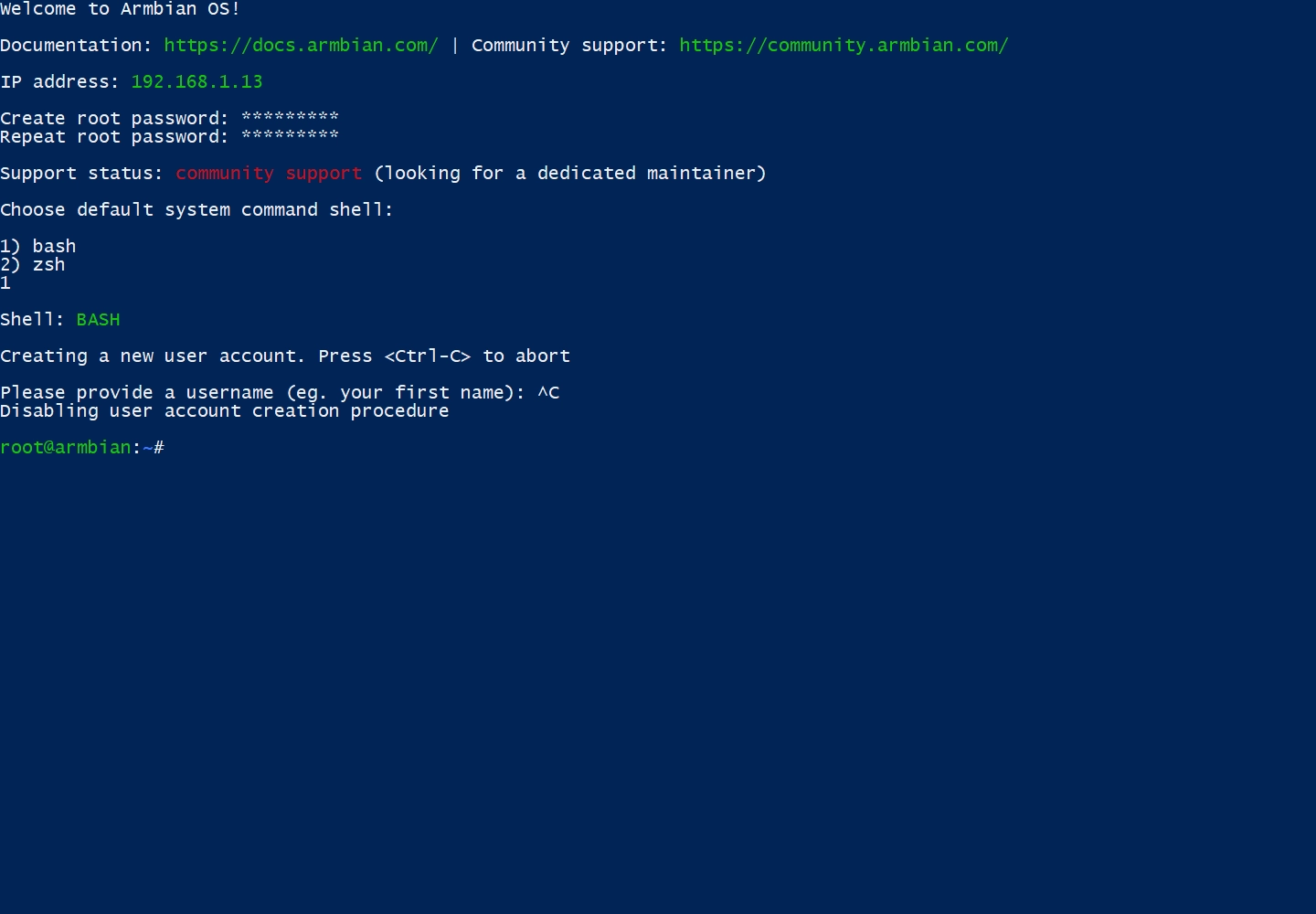
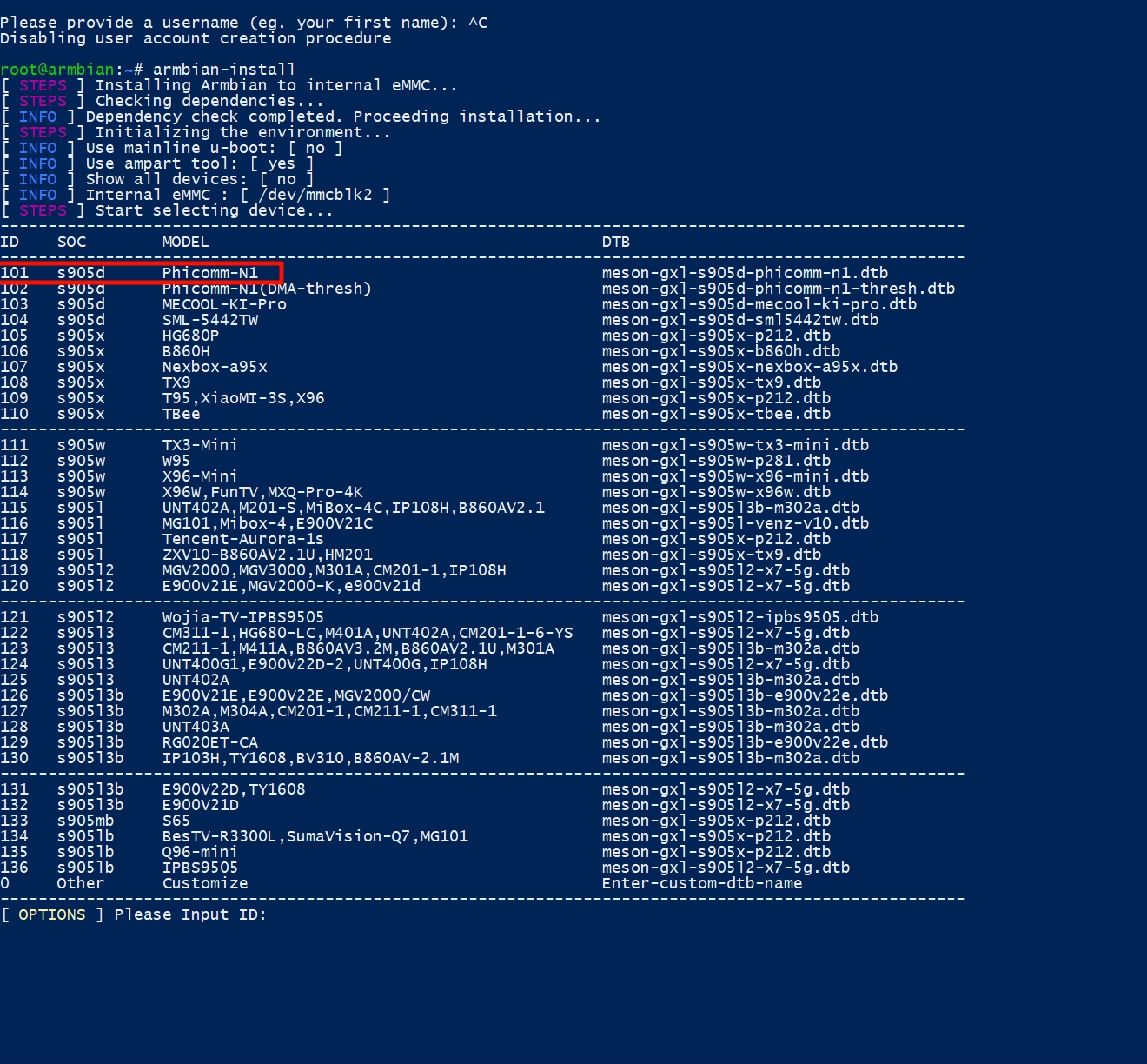
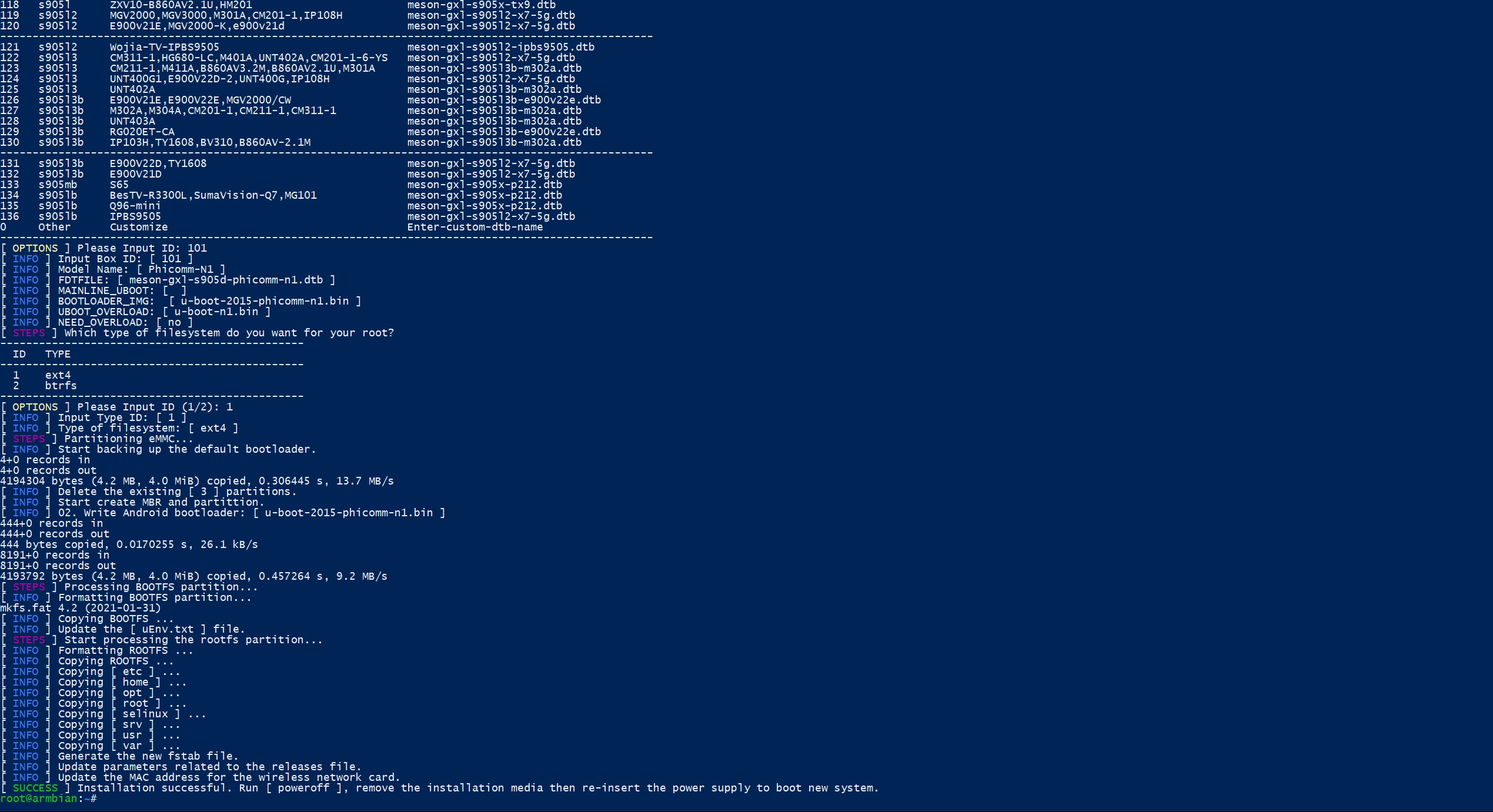
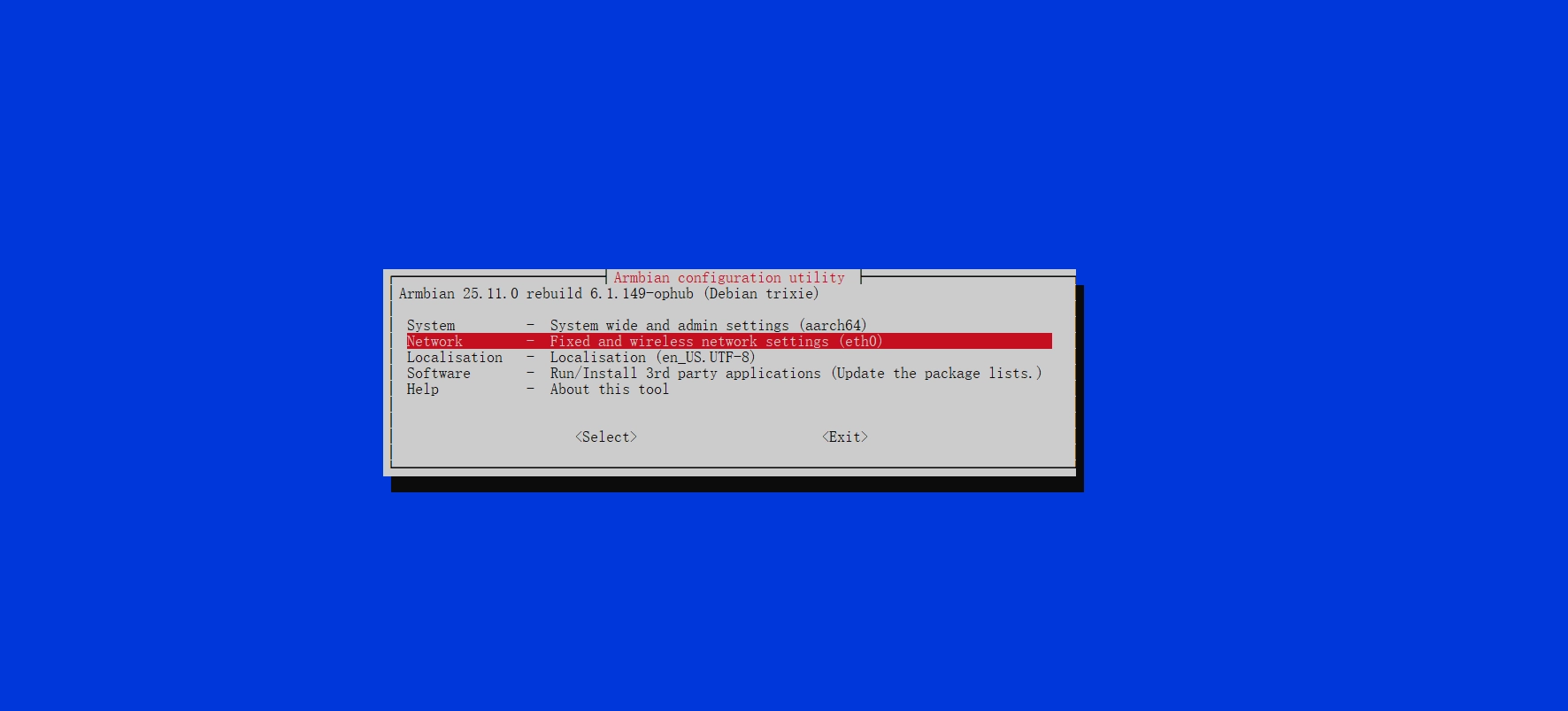
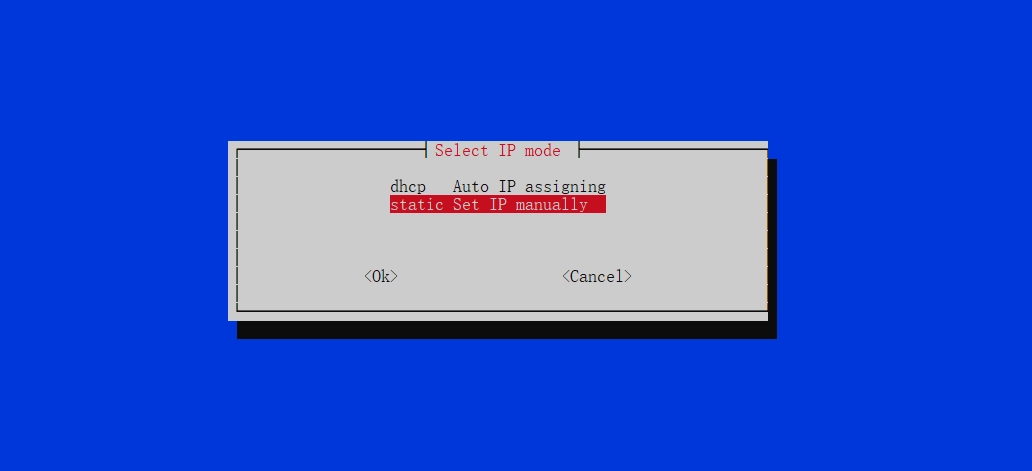
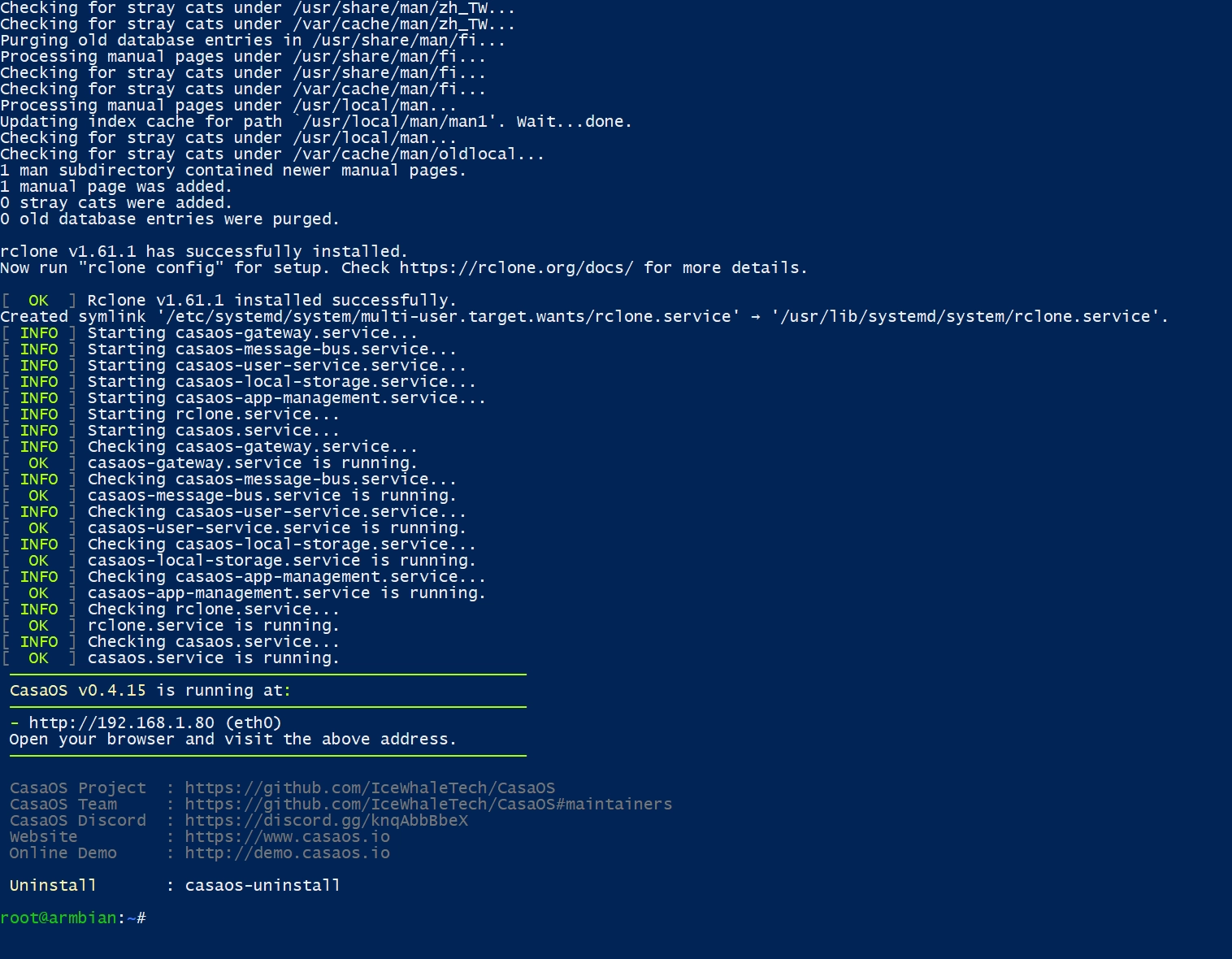
      <![CDATA[<img src="https://bu.dusays.com/2026/02/10/698b00c0e774b.webp" alt="N1 盒子刷入 CasaOS，秒变家庭 NAS" /> <p>手把手教你给斐讯 N1 盒子刷入 Armbian 与 CasaOS，配置静态 IP 与网络代理，把闲置盒子变身家庭 NAS 服务器。</p> <a class="view-full" href="https://blog.liang.one/posts/8c1a5e3" target="_blank">点击查看全文</a>]]>
    </content>
    <link href="https://blog.liang.one/posts/8c1a5e3"></link>
    <summary>手把手教你给斐讯 N1 盒子刷入 Armbian 与 CasaOS，配置静态 IP 与网络代理，把闲置盒子变身家庭 NAS 服务器。</summary>
    <category term="笔记"></category>
    <published>2025-10-04T11:28:44Z</published>
  </entry>
  <entry>
    <id>https://blog.liang.one/posts/7c3e5d8</id>
    <title>PicList：强大的图片上传与图床管理工具</title>
    <updated>2025-10-02T13:00:00Z</updated>
    <author>
      <name>Liang</name>
    </author>
    <content type="html">
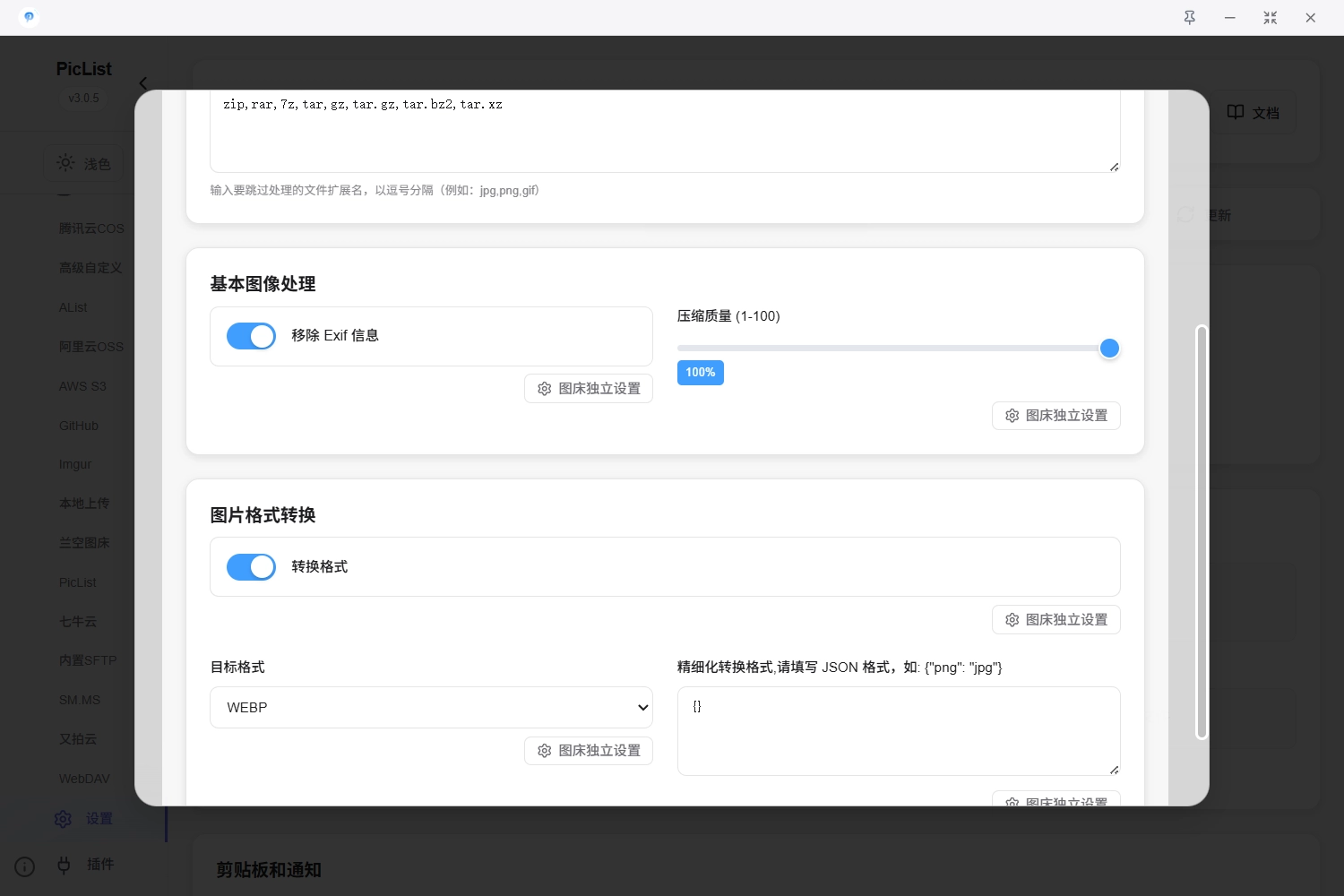
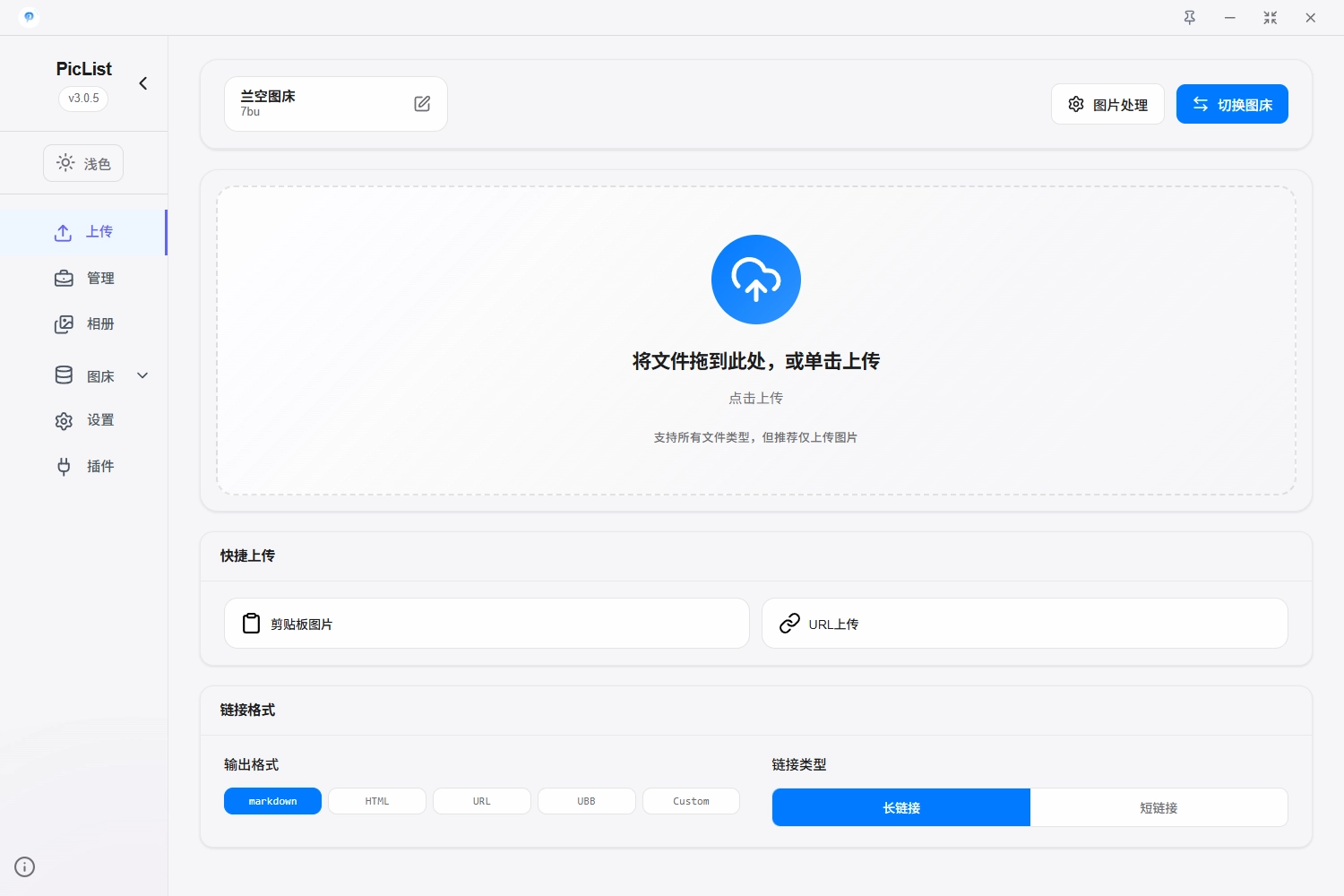
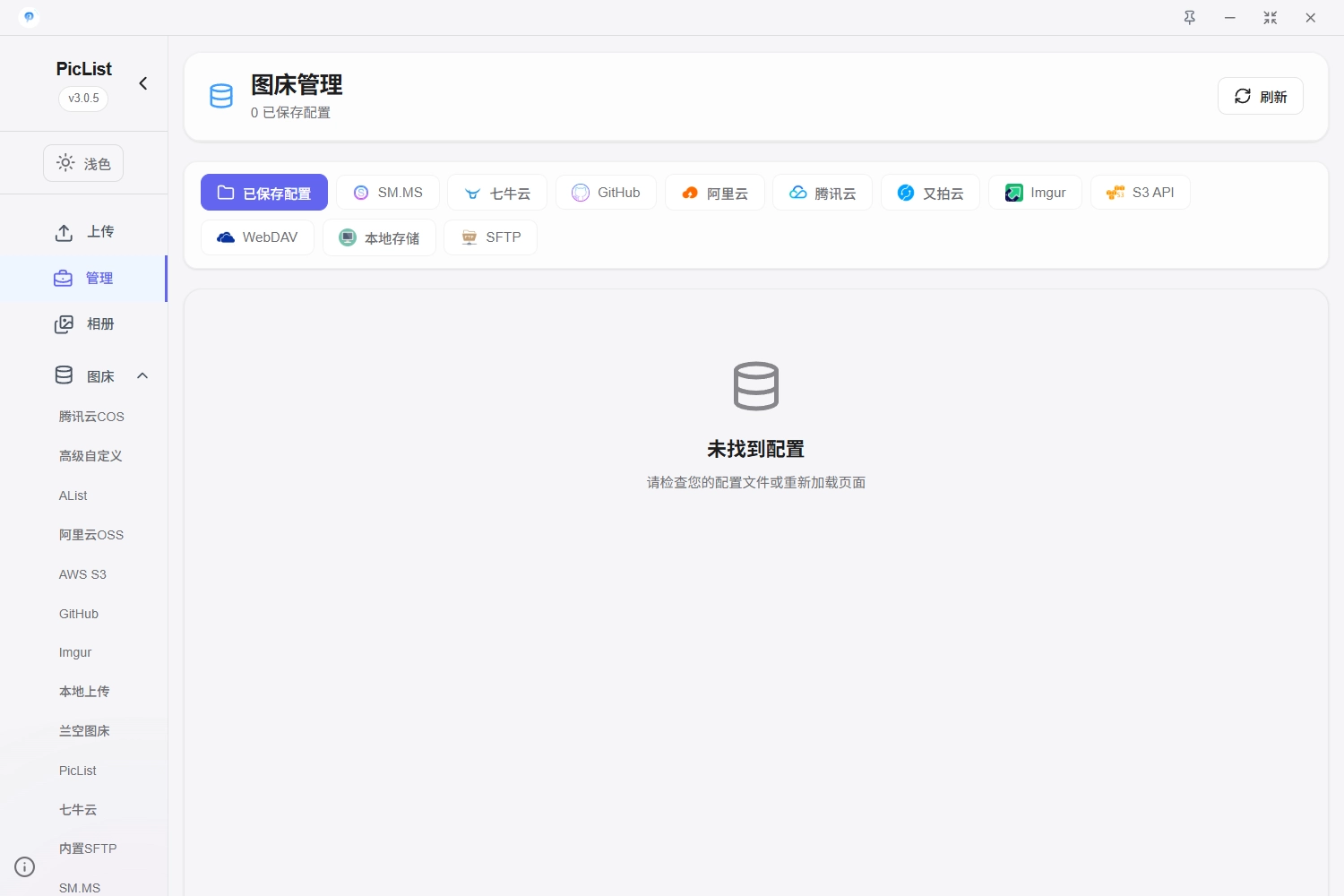
      <![CDATA[<img src="https://bu.dusays.com/2026/02/10/698b023c62e6f.webp" alt="PicList：强大的图片上传与图床管理工具" /> <p>PicList 是一款开源的图床与图片管理工具，支持多平台云存储、水印压缩等图片处理，完美兼容 PicGo 生态，搭配 Typora 提升写作效率。</p> <a class="view-full" href="https://blog.liang.one/posts/7c3e5d8" target="_blank">点击查看全文</a>]]>
    </content>
    <link href="https://blog.liang.one/posts/7c3e5d8"></link>
    <summary>PicList 是一款开源的图床与图片管理工具，支持多平台云存储、水印压缩等图片处理，完美兼容 PicGo 生态，搭配 Typora 提升写作效率。</summary>
    <category term="杂谈"></category>
    <published>2024-08-26T13:08:32Z</published>
  </entry>
  <entry>
    <id>https://blog.liang.one/posts/2d9b4f7</id>
    <title>利用 npm 和公共 CDN 加速博客静态资源</title>
    <updated>2025-07-12T13:02:18Z</updated>
    <author>
      <name>Liang</name>
    </author>
    <content type="html">
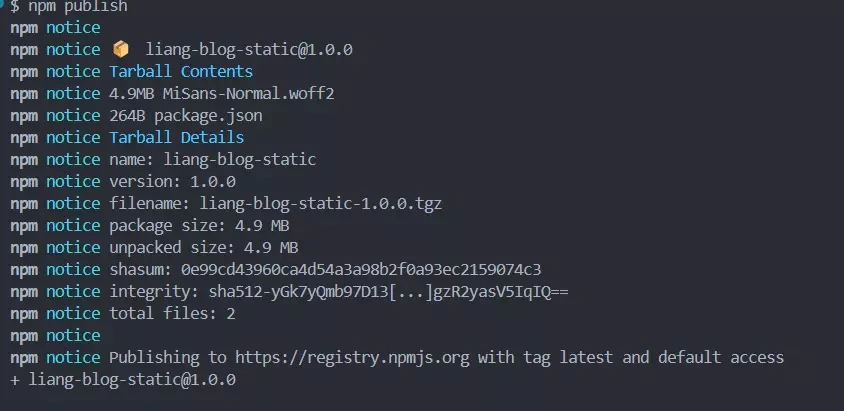
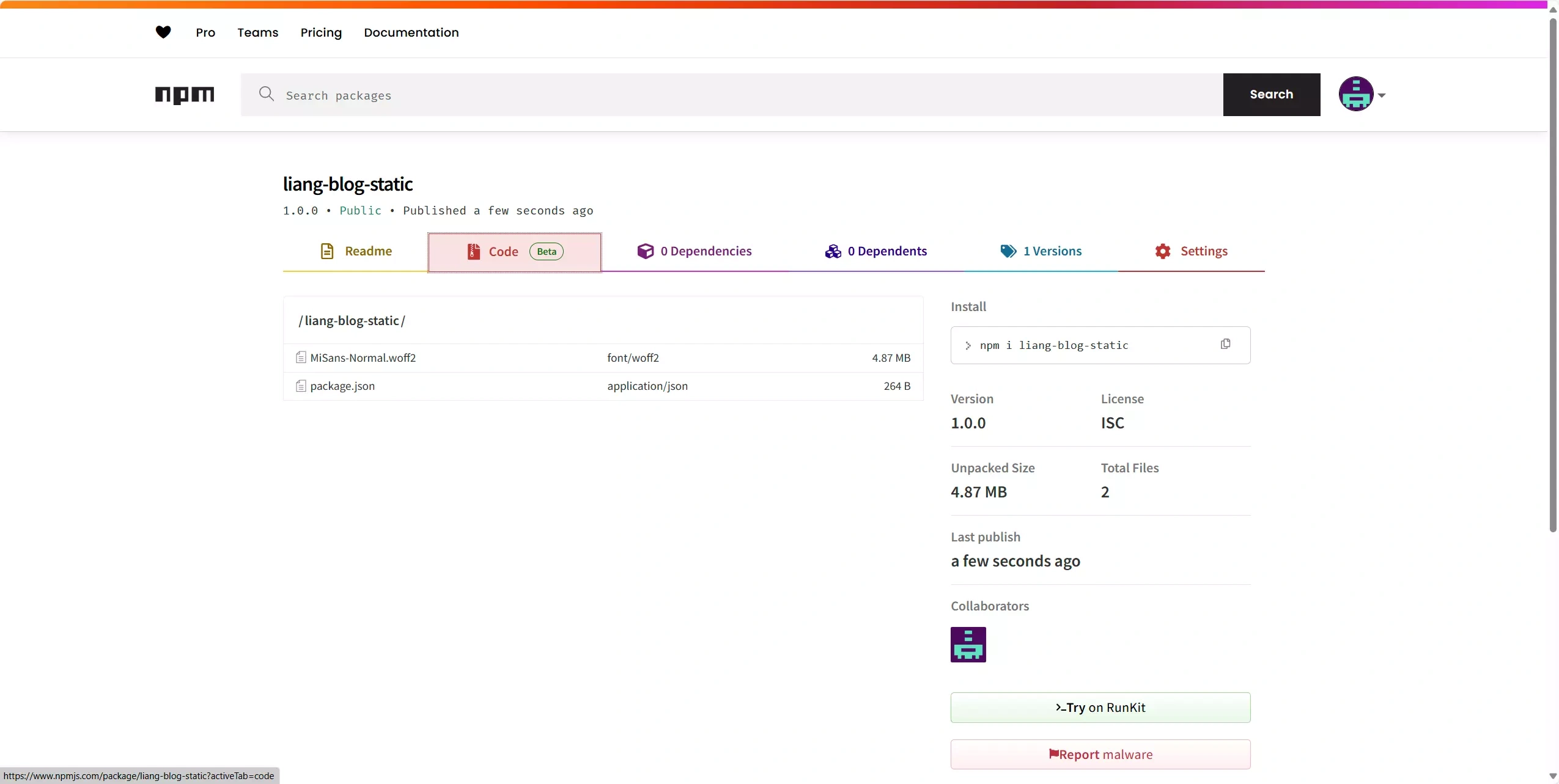
      <![CDATA[<img src="https://bu.dusays.com/2026/02/10/698b00d103552.webp" alt="利用 npm 和公共 CDN 加速博客静态资源" /> <p>将字体、图片等静态文件发布到 npm，再通过公共 CDN 镜像加速引入，完整记录注册、发布与镜像配置的全流程。</p> <a class="view-full" href="https://blog.liang.one/posts/2d9b4f7" target="_blank">点击查看全文</a>]]>
    </content>
    <link href="https://blog.liang.one/posts/2d9b4f7"></link>
    <summary>将字体、图片等静态文件发布到 npm，再通过公共 CDN 镜像加速引入，完整记录注册、发布与镜像配置的全流程。</summary>
    <category term="笔记"></category>
    <published>2025-07-12T13:02:18Z</published>
  </entry>
  <entry>
    <id>https://blog.liang.one/posts/5a7c1e9</id>
    <title>利用网盘秒传白嫖付费资源</title>
    <updated>2025-01-30T12:33:51Z</updated>
    <author>
      <name>Liang</name>
    </author>
    <content type="html">
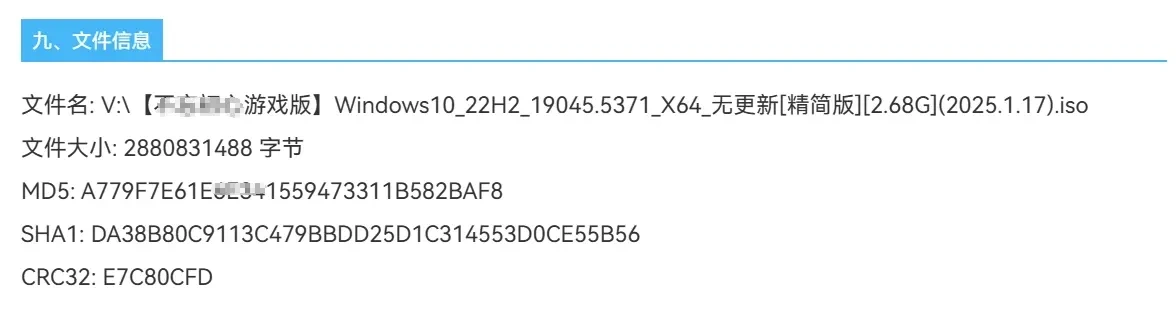
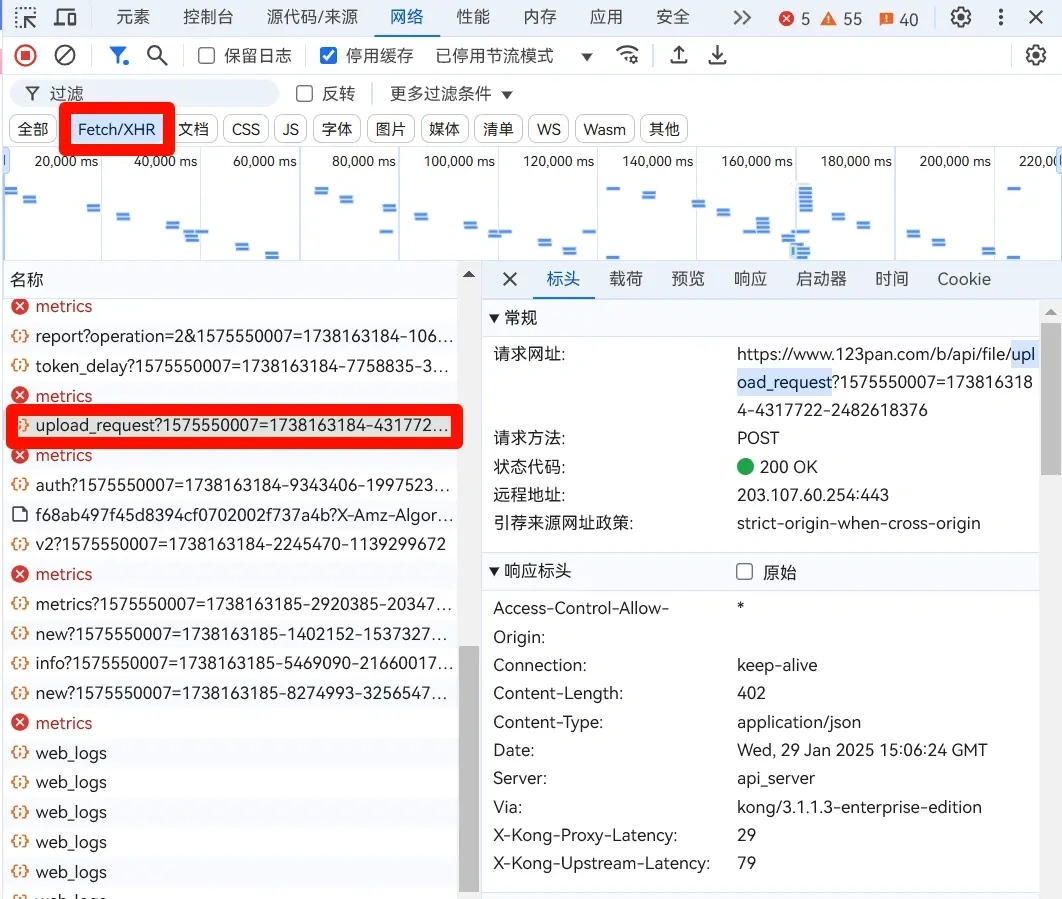
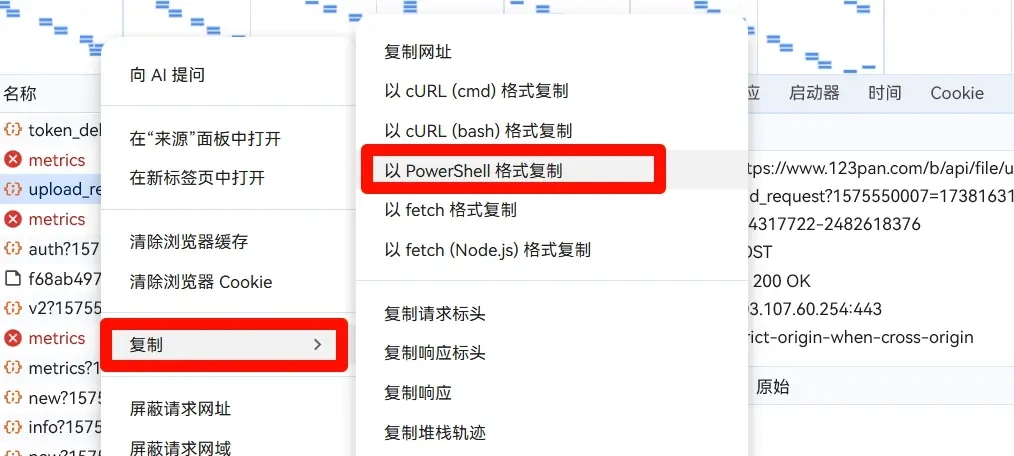
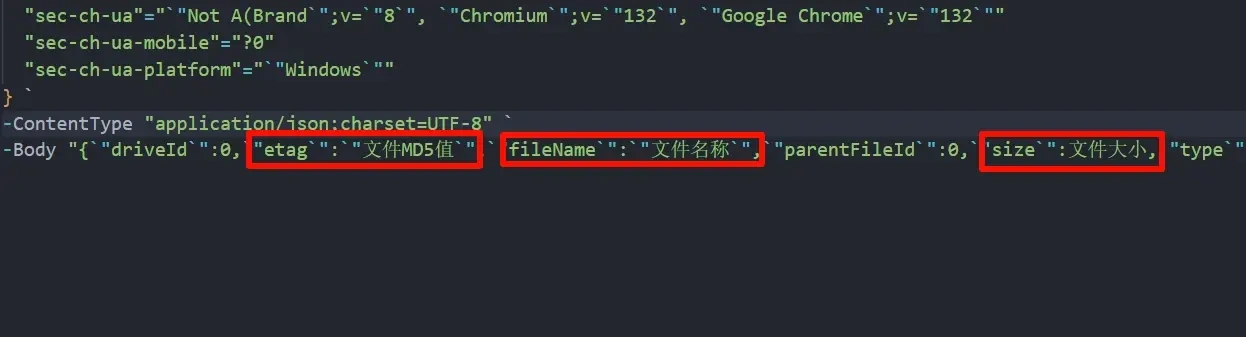
      <![CDATA[<img src="https://bu.dusays.com/2026/02/10/698b021c4d02c.webp" alt="利用网盘秒传白嫖付费资源" /> <p>深入解析网盘秒传原理，涵盖文件指纹、去重存储、分块上传与高效传输协议，并实战分享利用 MD5 指纹免费获取付费资源的完整过程。</p> <a class="view-full" href="https://blog.liang.one/posts/5a7c1e9" target="_blank">点击查看全文</a>]]>
    </content>
    <link href="https://blog.liang.one/posts/5a7c1e9"></link>
    <summary>深入解析网盘秒传原理，涵盖文件指纹、去重存储、分块上传与高效传输协议，并实战分享利用 MD5 指纹免费获取付费资源的完整过程。</summary>
    <category term="笔记"></category>
    <published>2025-01-30T12:33:51Z</published>
  </entry>
  <entry>
    <id>https://blog.liang.one/posts/9e2d6a3</id>
    <title>YesPlayMusic：高颜值的第三方网易云播放器</title>
    <updated>2024-09-01T14:15:47Z</updated>
    <author>
      <name>Liang</name>
    </author>
    <content type="html">
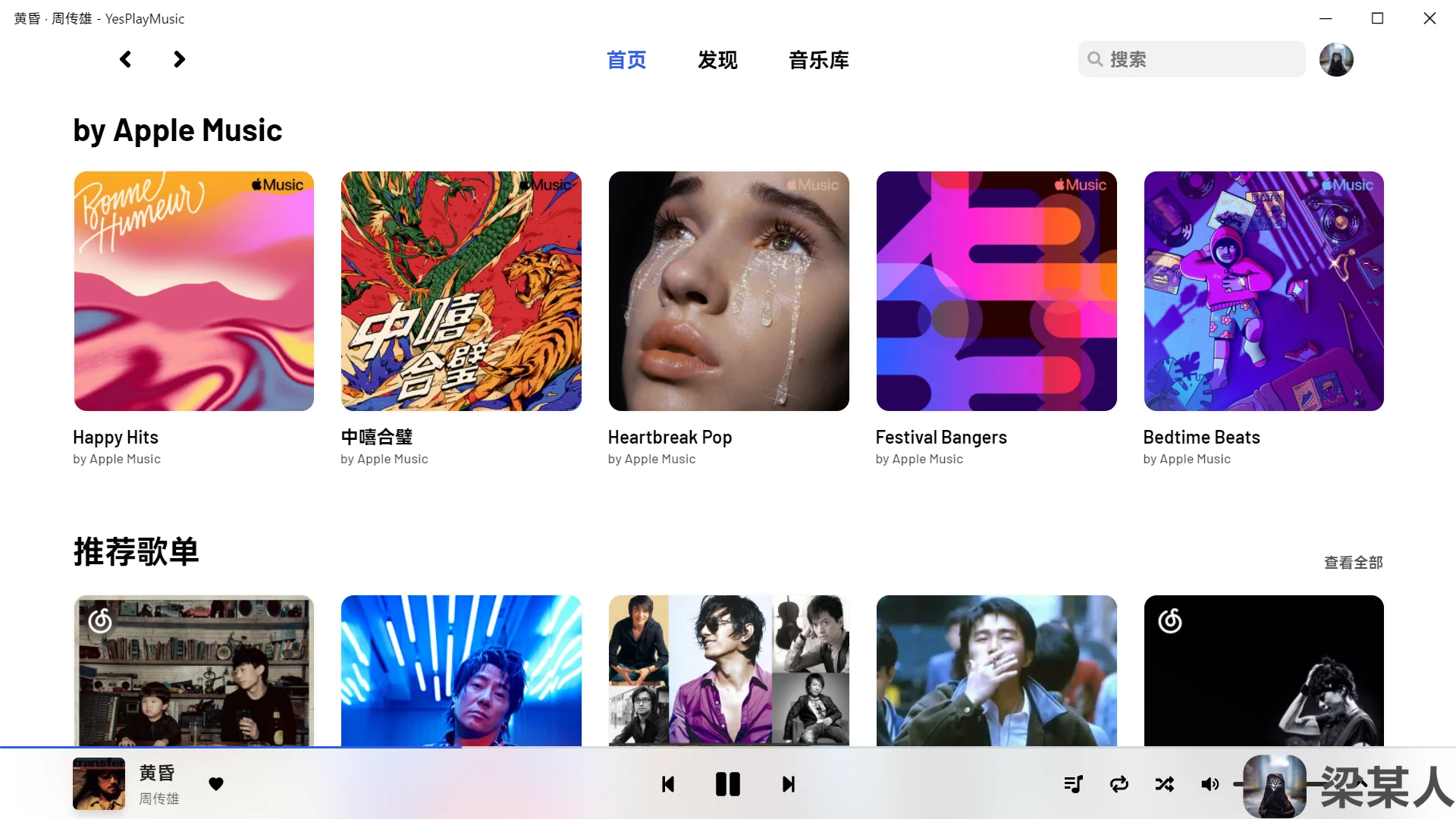
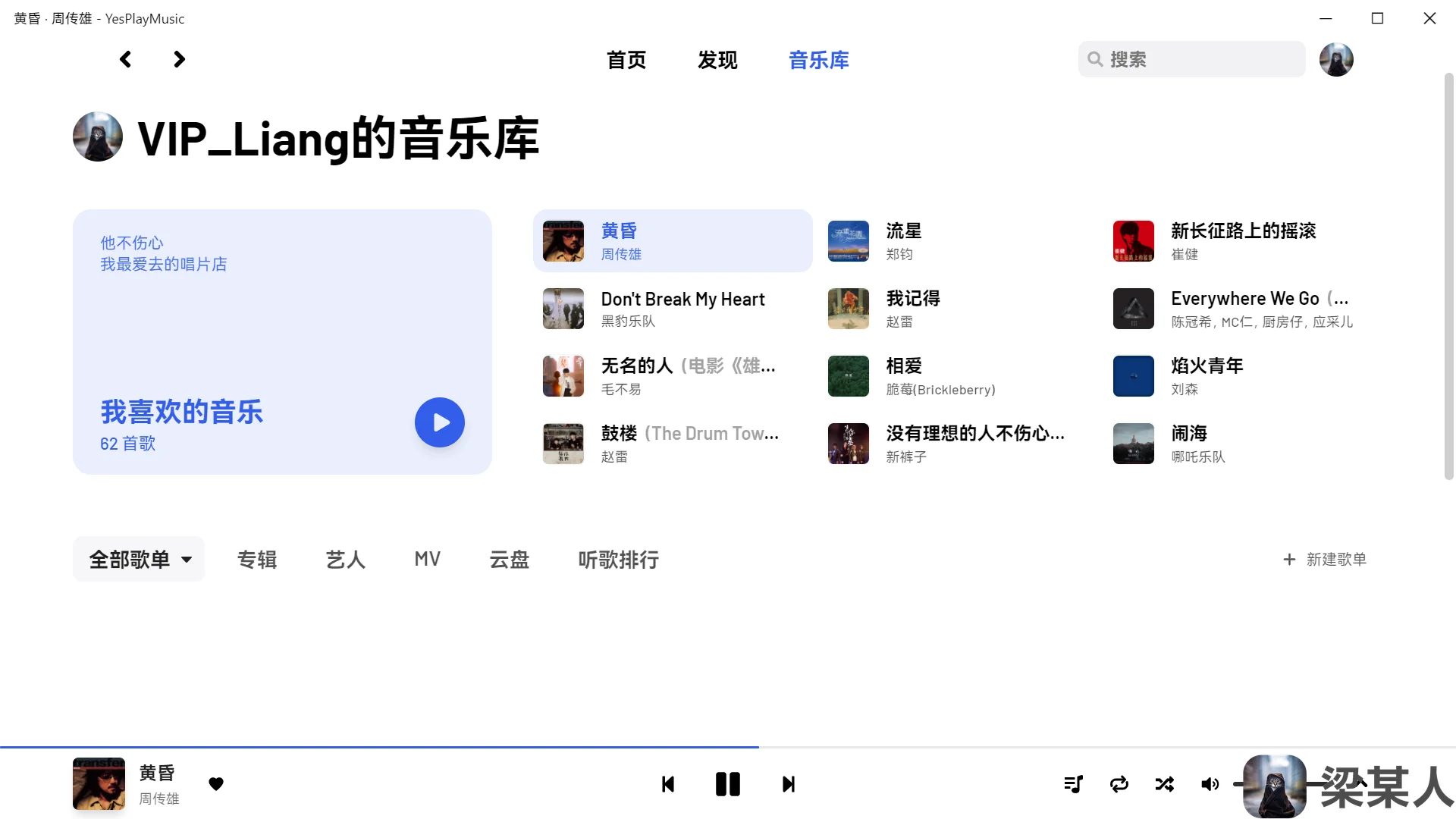
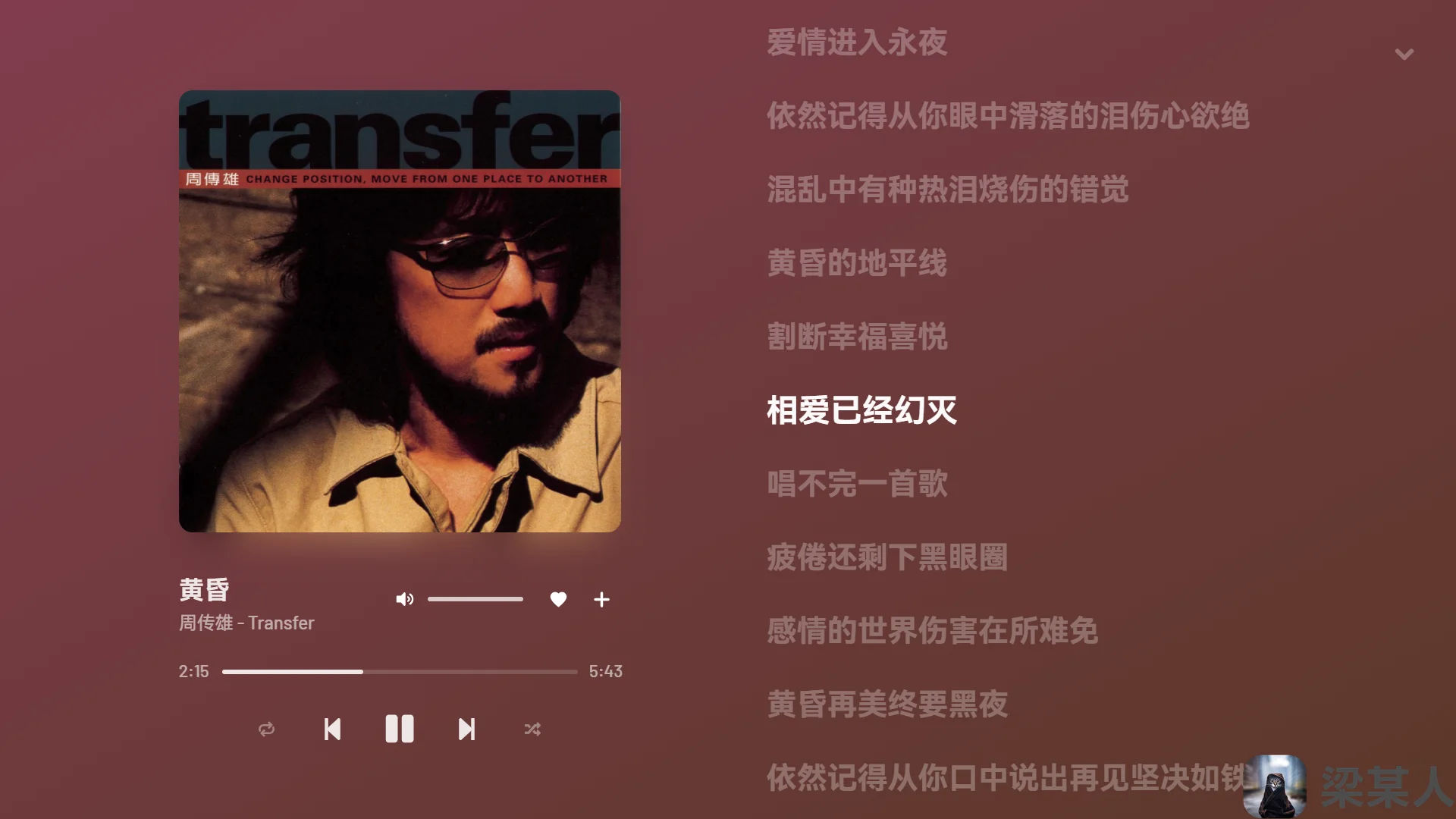
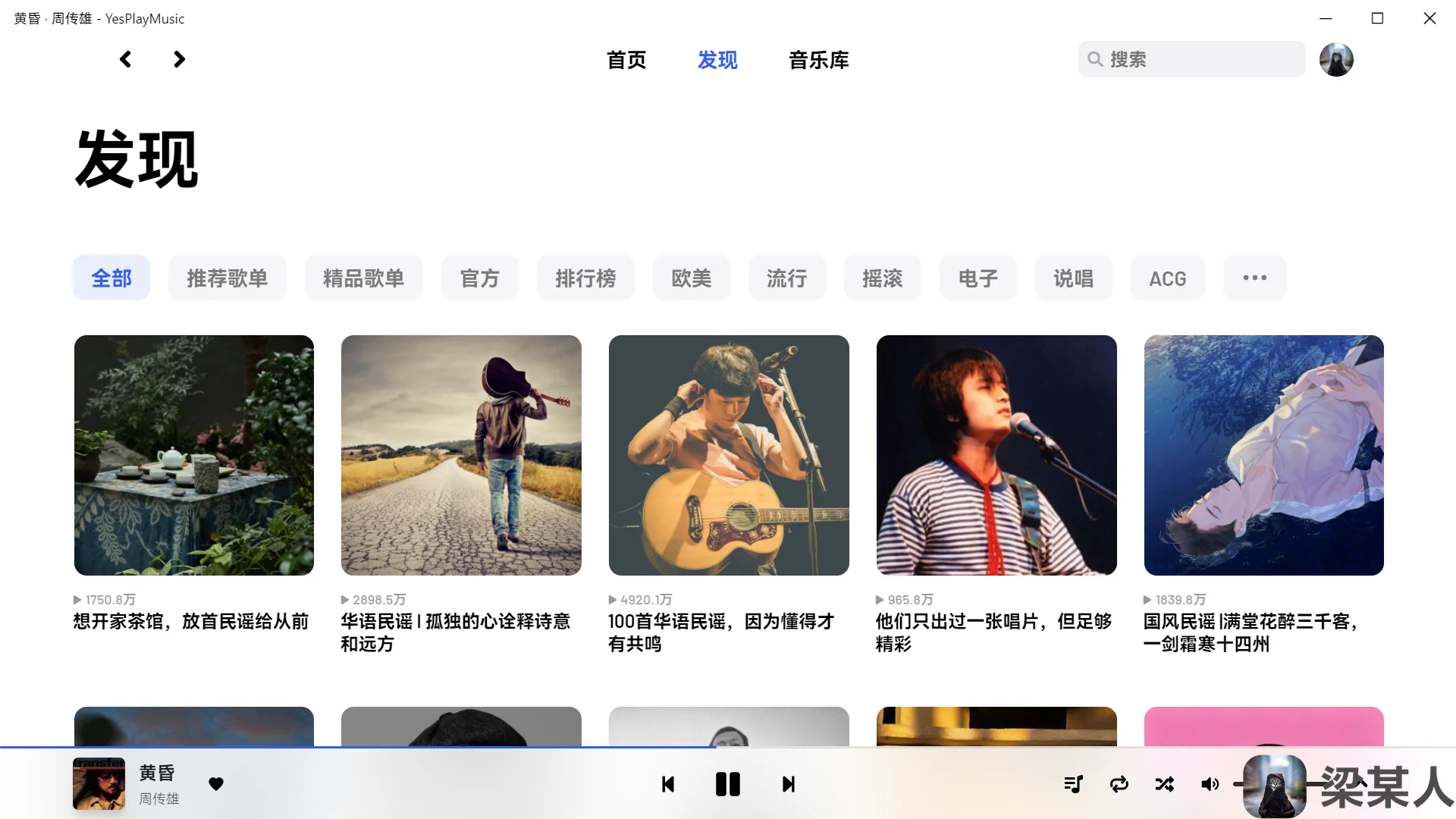
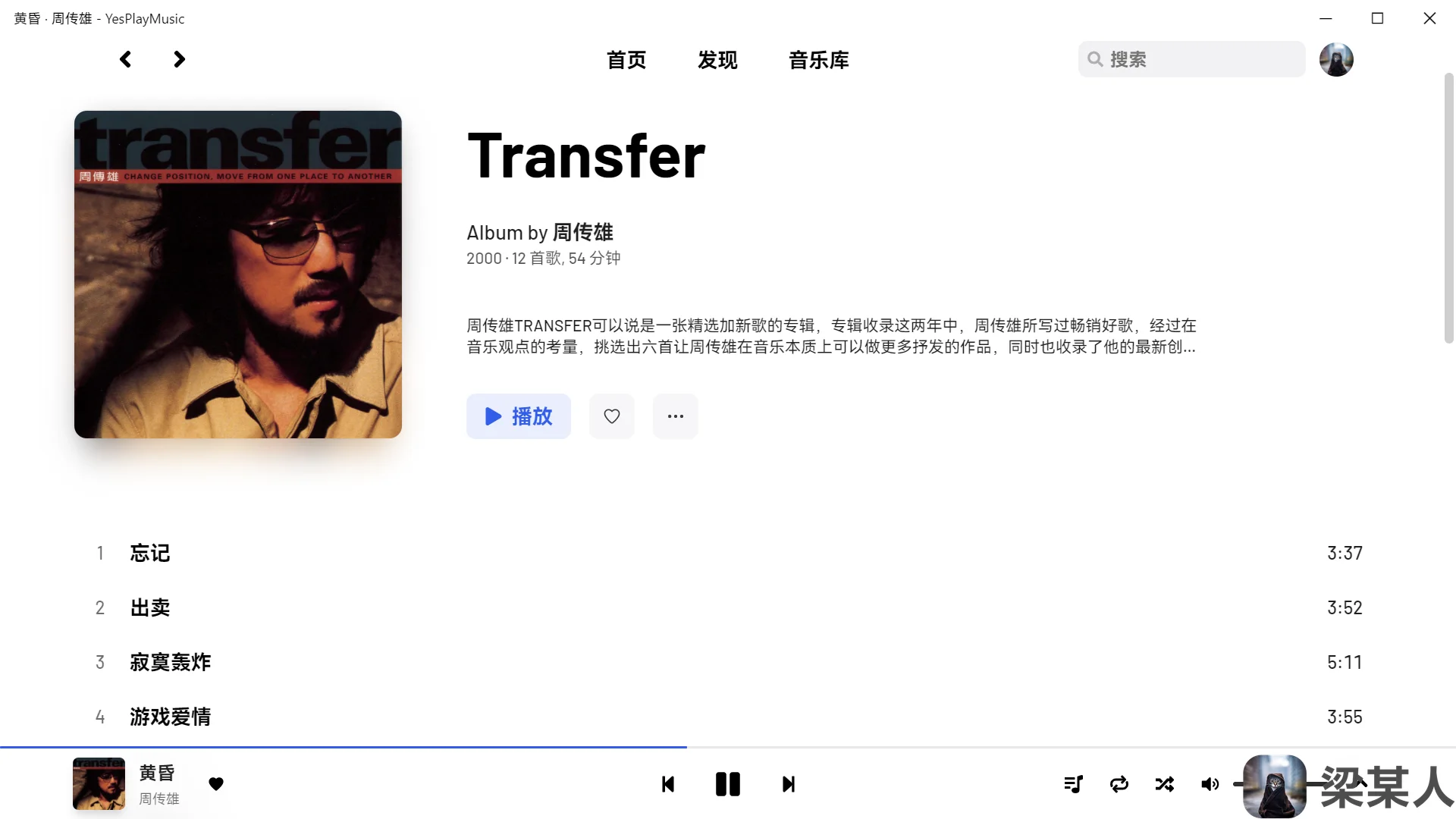
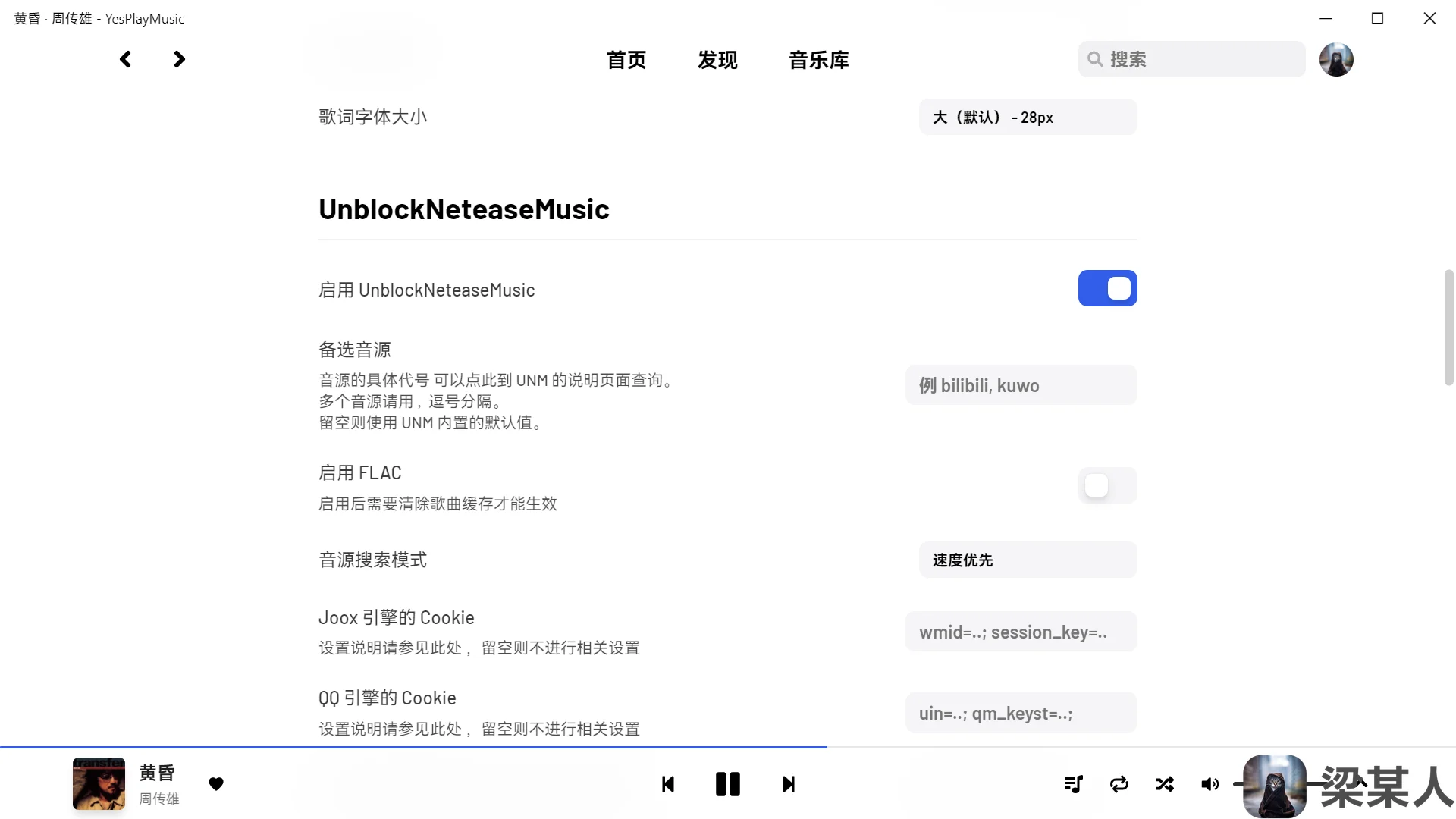
      <![CDATA[<img src="https://bu.dusays.com/2026/02/10/698b0229266a1.webp" alt="YesPlayMusic：高颜值的第三方网易云播放器" /> <p>一款高颜值的第三方网易云音乐播放器，支持账号登录、MV 播放、歌词、暗色模式与 PWA，功能比肩官方客户端且无社交功能。</p> <a class="view-full" href="https://blog.liang.one/posts/9e2d6a3" target="_blank">点击查看全文</a>]]>
    </content>
    <link href="https://blog.liang.one/posts/9e2d6a3"></link>
    <summary>一款高颜值的第三方网易云音乐播放器，支持账号登录、MV 播放、歌词、暗色模式与 PWA，功能比肩官方客户端且无社交功能。</summary>
    <category term="杂谈"></category>
    <published>2024-09-01T14:15:47Z</published>
  </entry>
  <entry>
    <id>https://blog.liang.one/posts/1b8f4c2</id>
    <title>Lively Wallpaper：免费开源的动态壁纸软件</title>
    <updated>2024-08-27T11:46:03Z</updated>
    <author>
      <name>Liang</name>
    </author>
    <content type="html">
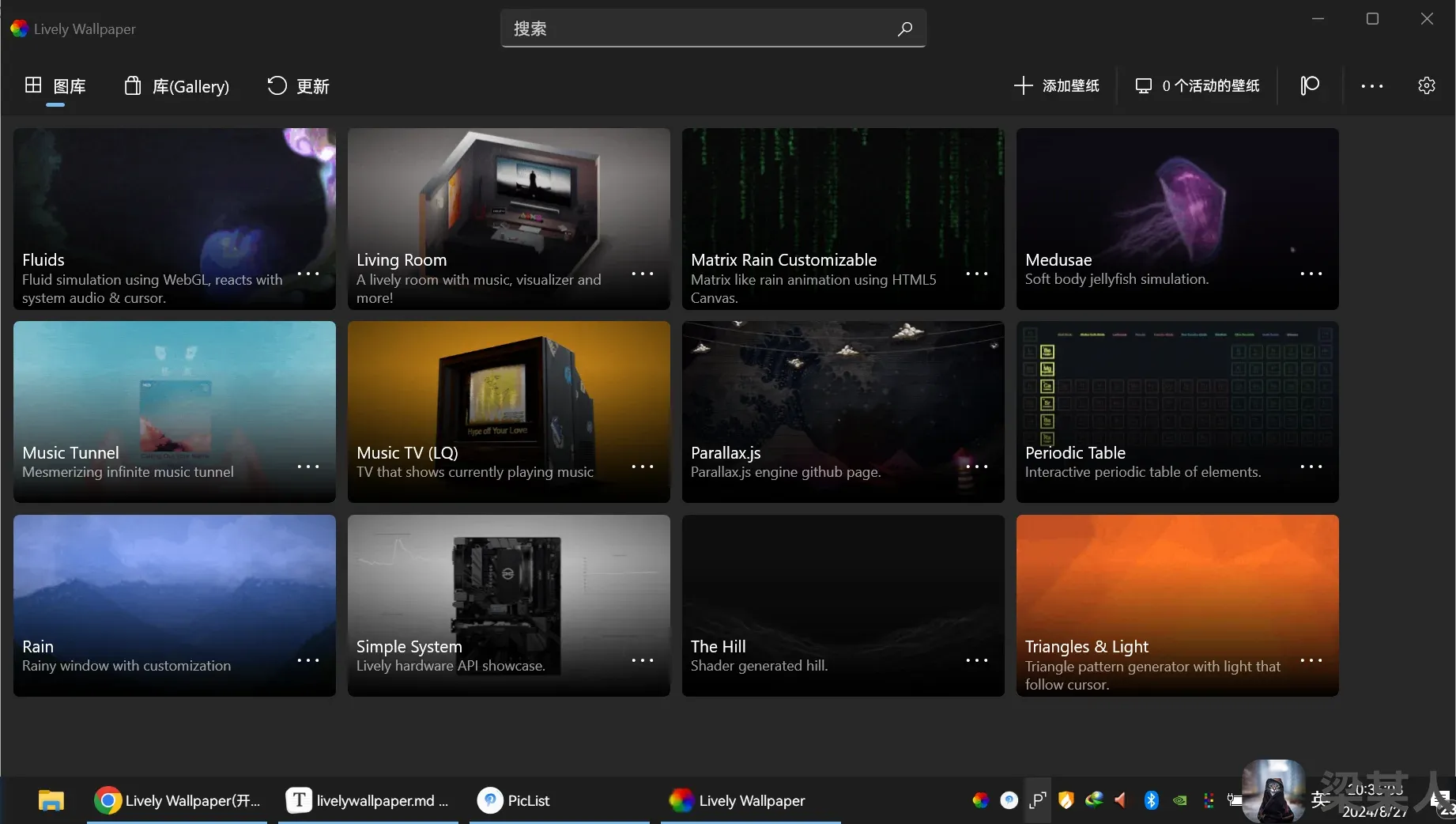
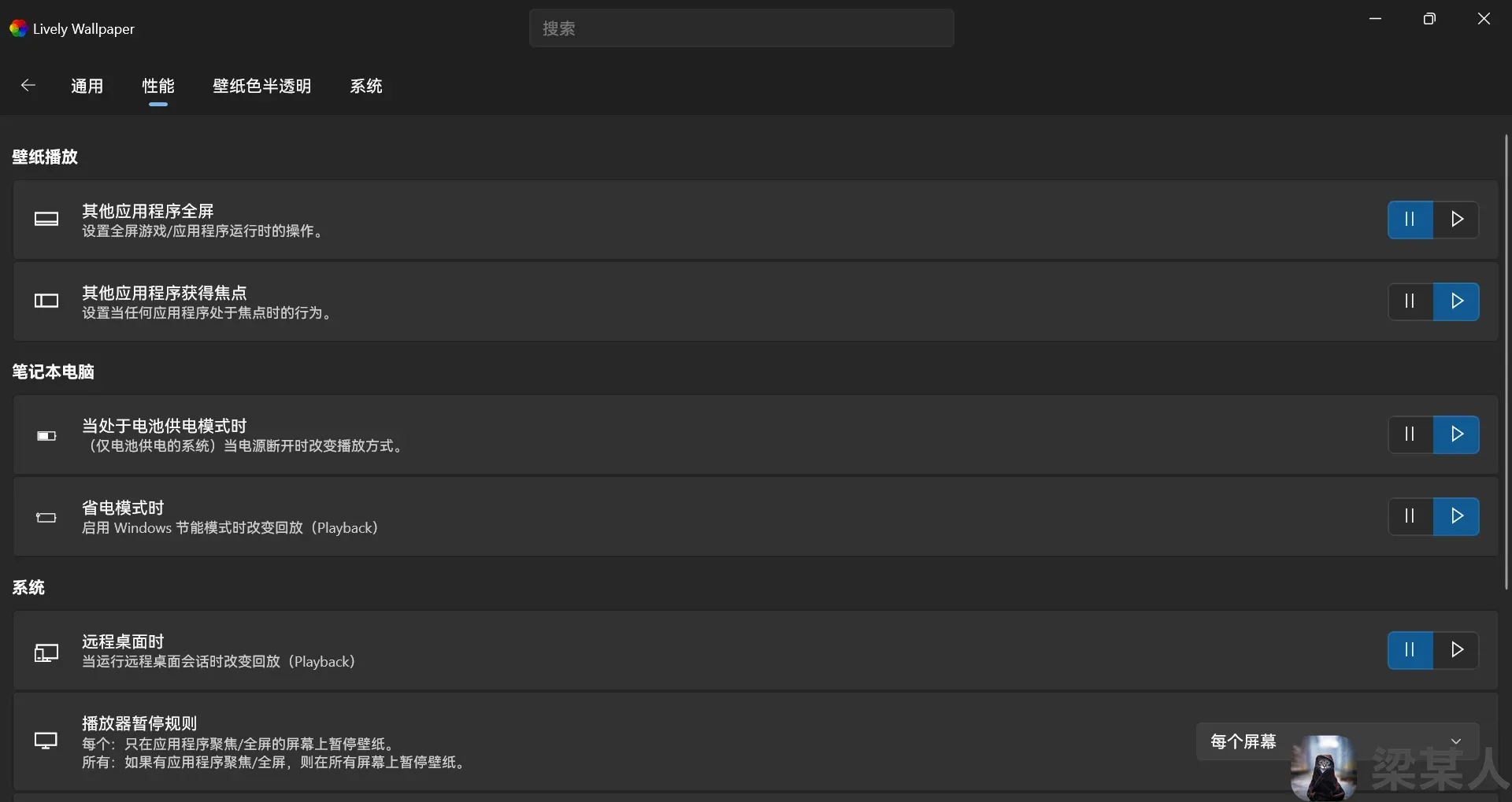
      <![CDATA[<img src="https://bu.dusays.com/2026/02/10/698b0234a00d4.webp" alt="Lively Wallpaper：免费开源的动态壁纸软件" /> <p>一款免费开源的视频动态壁纸软件，无需 Steam 即可体验媲美 Wallpaper Engine 的功能，支持自导入壁纸与多平台安装。</p> <a class="view-full" href="https://blog.liang.one/posts/1b8f4c2" target="_blank">点击查看全文</a>]]>
    </content>
    <link href="https://blog.liang.one/posts/1b8f4c2"></link>
    <summary>一款免费开源的视频动态壁纸软件，无需 Steam 即可体验媲美 Wallpaper Engine 的功能，支持自导入壁纸与多平台安装。</summary>
    <category term="杂谈"></category>
    <published>2024-08-27T11:46:03Z</published>
  </entry>
  <entry>
    <id>https://blog.liang.one/posts/4f2a9b1</id>
    <title>Hexo 永久链接优化</title>
    <updated>2024-08-25T12:24:16Z</updated>
    <author>
      <name>Liang</name>
    </author>
    <content type="html">
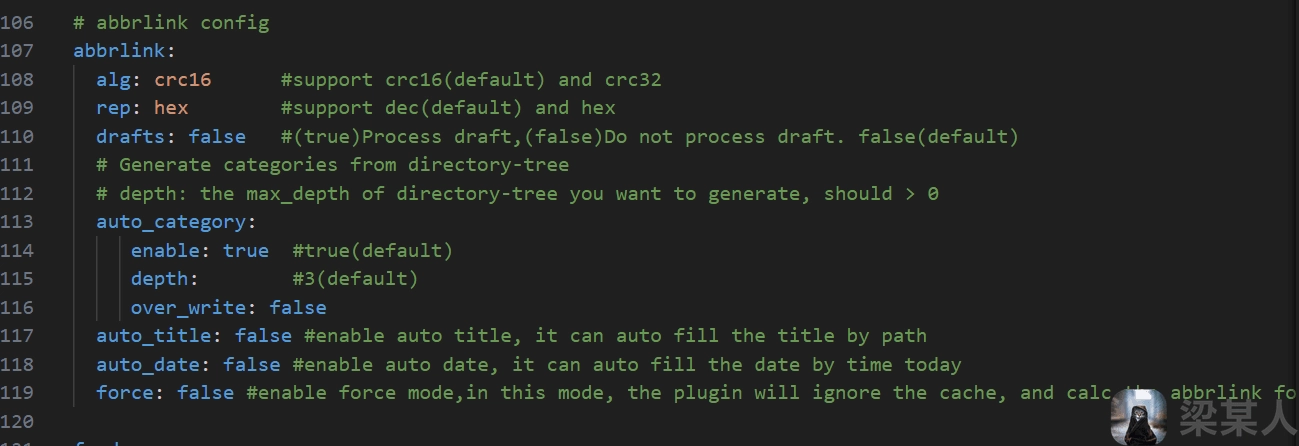
      <![CDATA[<img src="https://bu.dusays.com/2026/02/10/698b0242d4e75.webp" alt="Hexo 永久链接优化" /> <p>使用 hexo-abbrlink 插件将杂乱的 Hexo 文章 URL 转换为短小精悍的永久链接，支持 CRC16/CRC32 算法与十六进制/十进制格式。</p> <a class="view-full" href="https://blog.liang.one/posts/4f2a9b1" target="_blank">点击查看全文</a>]]>
    </content>
    <link href="https://blog.liang.one/posts/4f2a9b1"></link>
    <summary>使用 hexo-abbrlink 插件将杂乱的 Hexo 文章 URL 转换为短小精悍的永久链接，支持 CRC16/CRC32 算法与十六进制/十进制格式。</summary>
    <category term="笔记"></category>
    <published>2024-08-25T12:24:16Z</published>
  </entry>
</feed>